
Configure database parameters
Customize PostgreSQL and Tiger Cloud database parameters for individual services
Tiger Cloud allows you to customize many Tiger Cloud-specific and PostgreSQL configuration options for each service individually. Most configuration values for a service are initially set in accordance with best practices given the compute and storage settings of the service. Any time you increase or decrease the compute for a service, the most essential values are set to reflect the size of the new service.
You can modify most parameters without restarting the service. However, some changes do require a restart, resulting in some brief downtime that is usually about 30 seconds. An example of a change that needs a restart is modifying the compute resources of a running service.
Modify a configuration parameter
- Open database parameters
Select the service you want to modify, then click
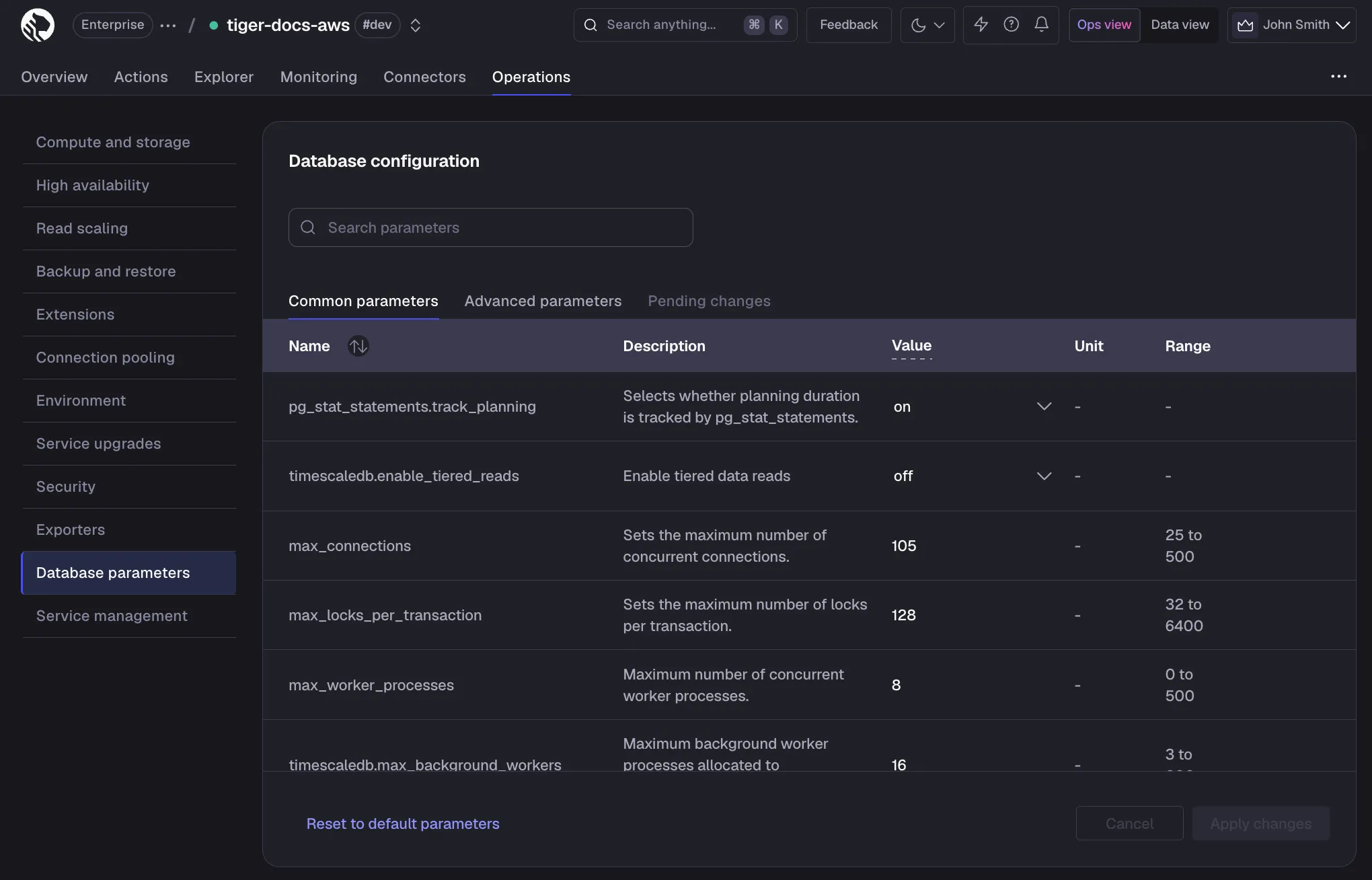
Operations>Database parameters.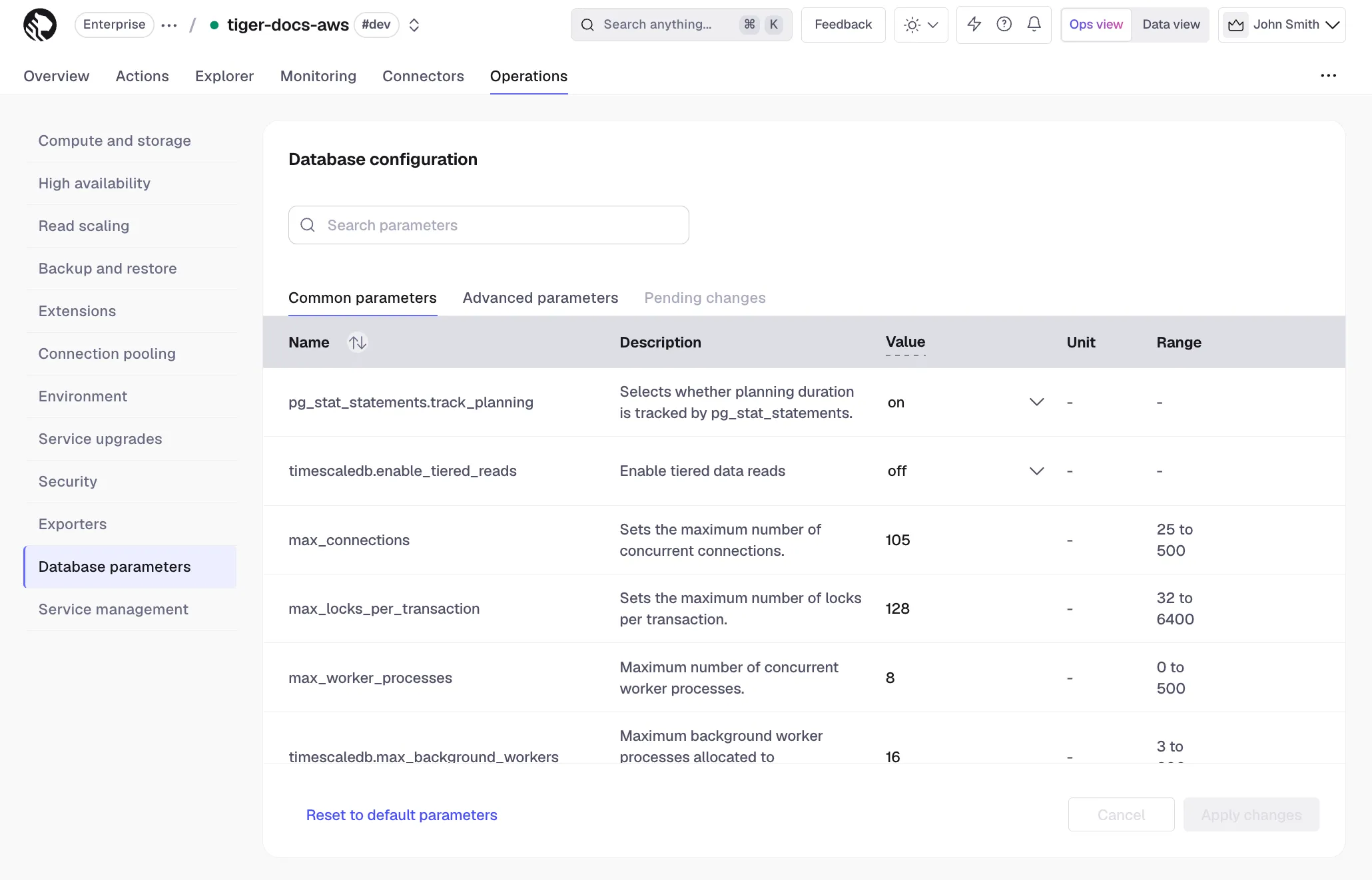
- Edit a parameter value
Under
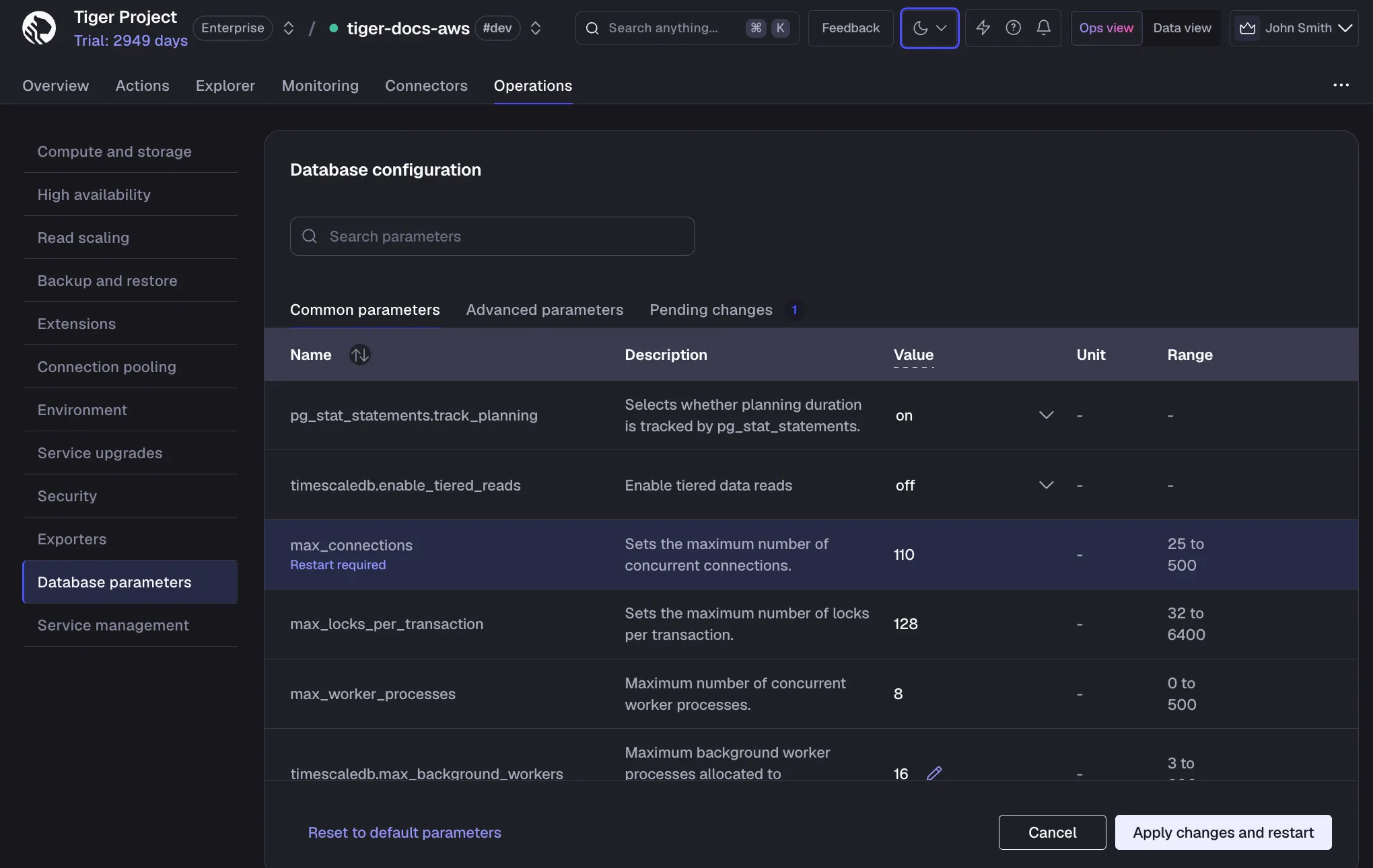
Common parameters, hover over the value you want to change and click the edit icon. This reveals an editable field. Clicking anywhere outside of that field saves the value to be applied.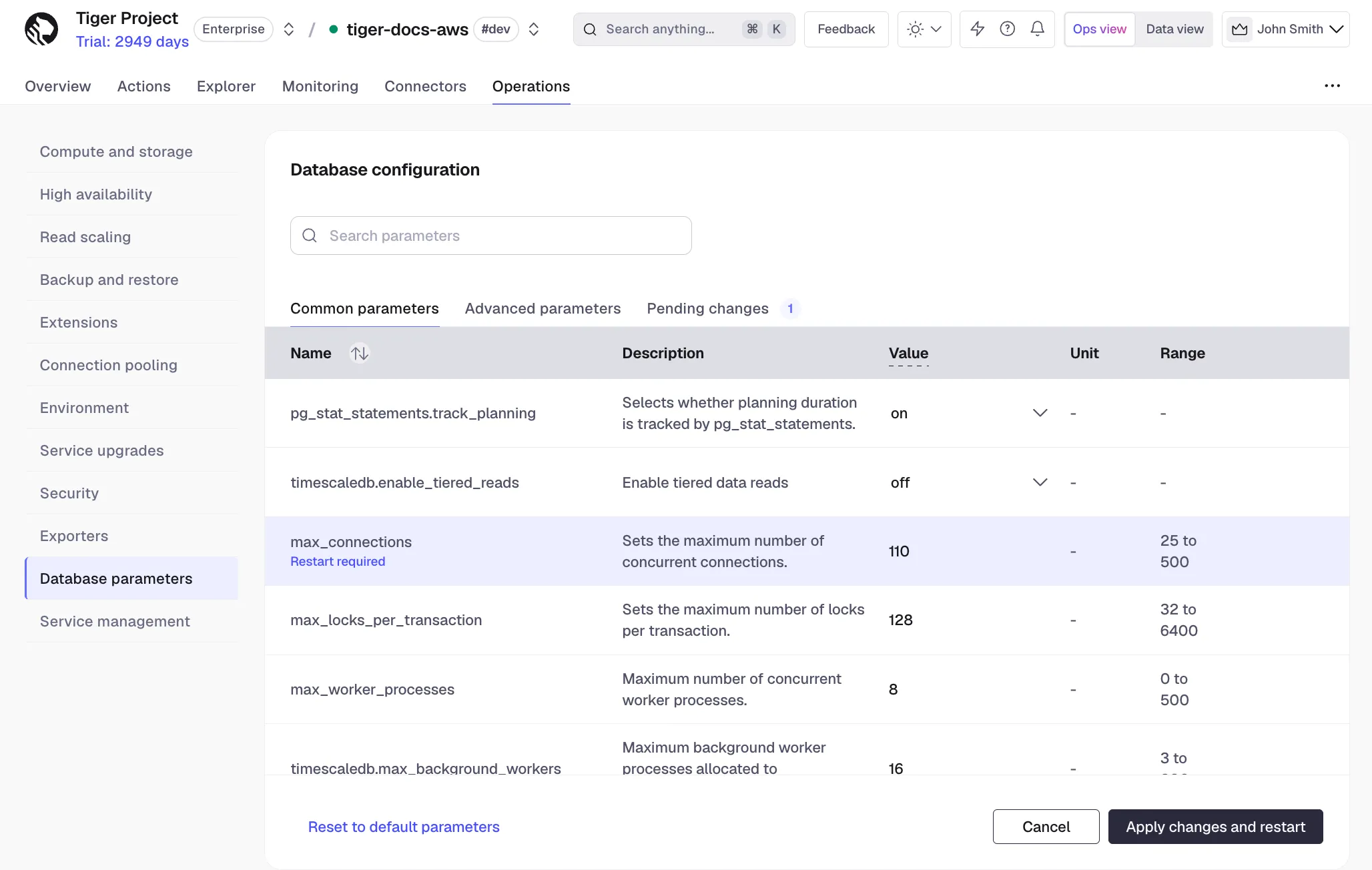
- Apply the change
Click
Apply changes and restart. For some changes, such astimescaledb.max_background_workers, the service needs to be restarted. - Confirm the change
In the confirmation dialog, click
Confirmto apply the change, and restart the service if necessary.